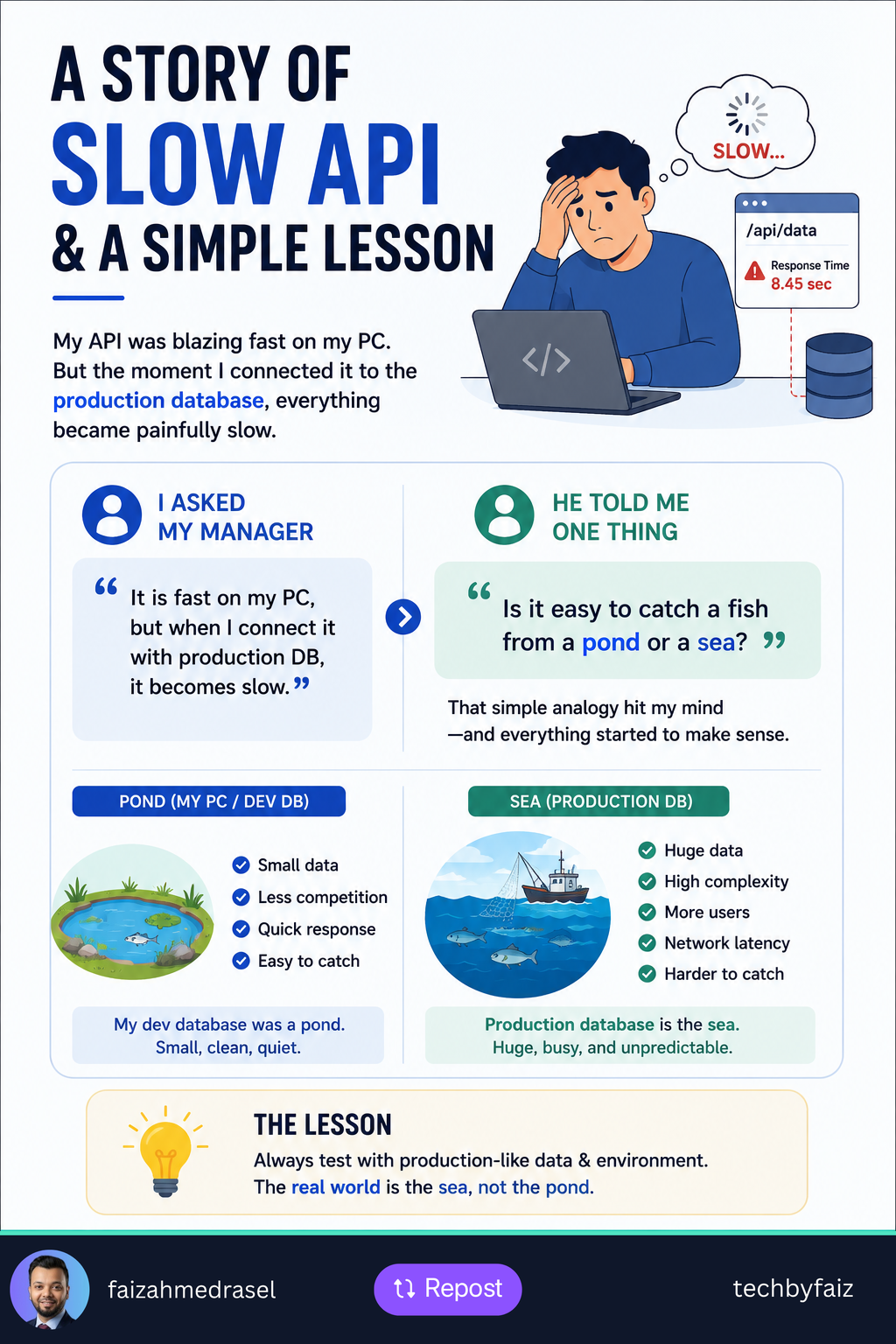
I was once really frustrated because an API I was working on was running very fast on my PC.
Everything looked good.
The response time was low, the code seemed fine, and there was no obvious performance problem.
Then I connected the API to the production database.
Suddenly, it became slow.
Very slow.
My first thought was:
“What is wrong with my API?”
So I asked my manager.
I explained that the API was fast with my local database but became slow when connected to the production database.
His response gave me a simple lesson that I still remember.
He asked:
“Is it easy to catch a fish from a pond or from the sea?”
At first, I thought it was just an analogy.
But it made perfect sense.
My local database was the pond
My development database was relatively small.
There were fewer records, fewer users, fewer concurrent operations, and a much simpler environment.
A query could run quickly because there simply wasn’t much data to process.
It was like catching a fish in a small pond.
Production was the sea
The production database was completely different.
It had significantly more data, real users, more concurrent requests, and a more complex workload.
A query that took milliseconds locally could behave very differently with millions of records.
Production also introduces factors such as:
- Database indexes
- Execution plans
- Network latency
- Concurrent queries
- Locking and blocking
- Resource limitations
- Real-world data distribution
That’s when I realized something important:
A query being fast on your machine doesn’t mean it’s production-ready.
What changed in my thinking?
Instead of asking only:
“Does this work?”
I started asking:
“How will this behave with real production-scale data?”
That changes how you test performance.
You need to test with realistic data volumes, examine query execution plans, monitor database performance, and measure API response times under realistic workloads.
The lesson
Your local environment can be a pond.
Production can be an ocean.
Something that works perfectly in a pond may behave very differently in the sea.
So when you’re working on performance-sensitive APIs, don’t test only with small development datasets.
Test against production-like data and conditions.
Because the real performance test begins when your API meets the sea.