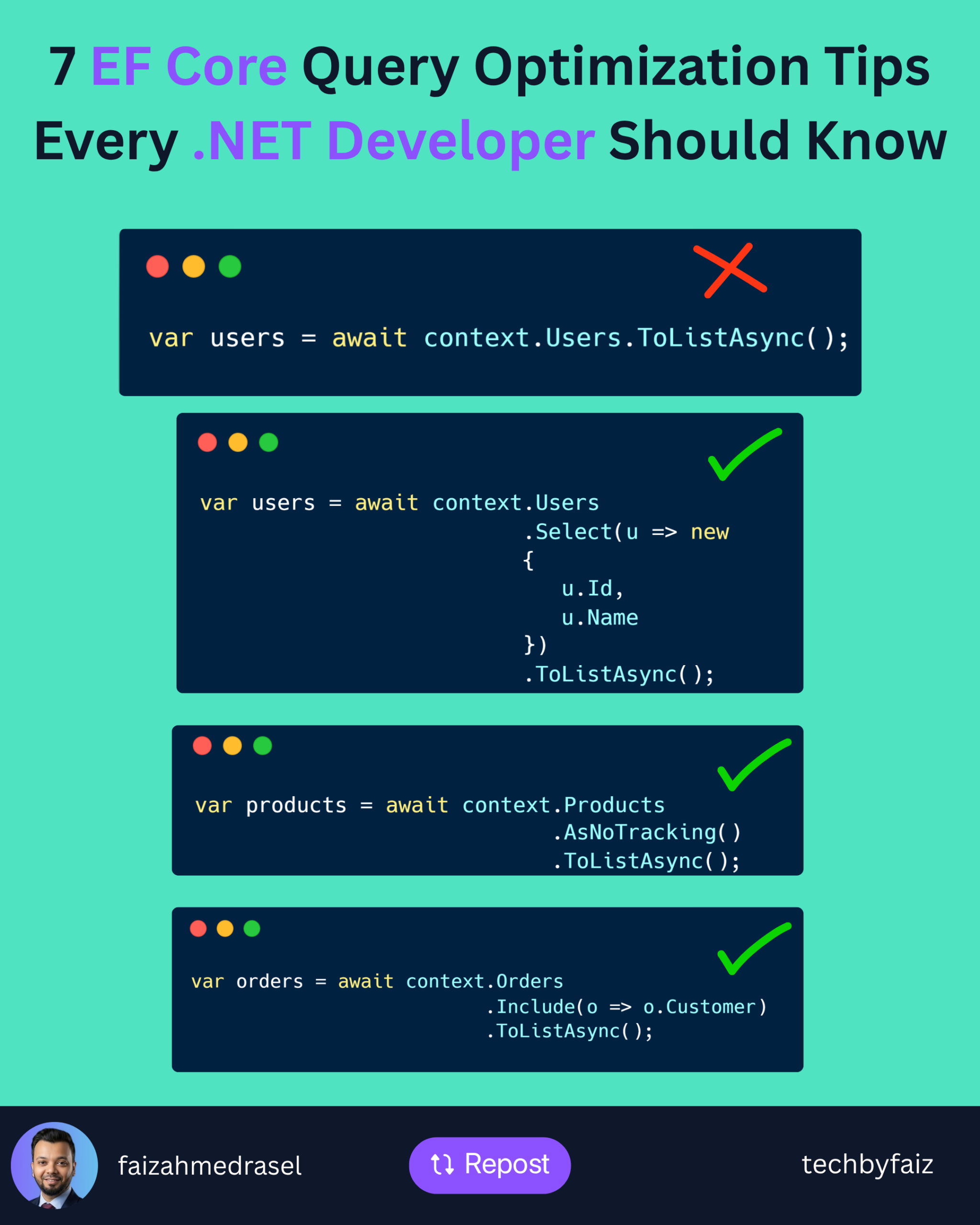
Entity Framework Core makes database access simple, but it’s also easy to write queries that look correct while performing poorly in production.
As applications grow, inefficient queries can become one of the biggest performance bottlenecks.
Here are seven practical techniques I regularly consider when working with EF Core.
1. Select Only the Columns You Need
Avoid loading an entire entity if you only need a few properties.
❌ Less efficient:
var users = await context.Users.ToListAsync();
✅ Better:
var users = await context.Users
    .Select(u => new
    {
        u.Id,
        u.Name
    })
    .ToListAsync();
Fetching fewer columns reduces network traffic and memory usage.
2. Use AsNoTracking() for Read-Only Queries
By default, EF Core tracks every entity it loads.
If you’re only reading data, disable change tracking.
var products = await context.Products
    .AsNoTracking()
    .ToListAsync();
This can noticeably improve performance for read-heavy operations.
3. Avoid the N+1 Query Problem
This is a common performance issue.
Instead of triggering additional queries for related data, load it efficiently.
var orders = await context.Orders
    .Include(o => o.Customer)
    .ToListAsync();
Or project only the data you actually need.
4. Filter Early
Push filtering to the database.
var activeUsers = await context.Users
    .Where(u => u.IsActive)
    .ToListAsync();
Don’t retrieve unnecessary rows and filter them in memory.
5. Paginate Large Result Sets
Avoid returning thousands of records at once.
var customers = await context.Customers
    .OrderBy(c => c.Id)
    .Skip(page * pageSize)
    .Take(pageSize)
    .ToListAsync();
Pagination improves both application performance and user experience.
6. Check the Generated SQL
EF Core generates SQL for you—but you should still know what it’s executing.
Use:
var sql = query.ToQueryString();
Reviewing the generated SQL helps identify unnecessary joins, filters, or inefficient queries before they reach production.
7. Create the Right Database Indexes
Even the best EF Core query can perform poorly without proper indexing.
Frequently filtered or joined columns should be indexed appropriately.
Remember:
EF Core generates SQL. SQL Server executes it.
Database design still matters.
Final Thoughts
Optimizing EF Core isn’t about replacing it with raw SQL.
It’s about understanding how your LINQ queries translate into SQL and ensuring the database performs as little work as necessary.
A few simple habits can make a significant difference:
- Project only what you need.
- Use
AsNoTracking()for read-only queries. - Avoid N+1 queries.
- Filter early.
- Paginate large datasets.
- Inspect generated SQL.
- Design proper indexes.
Small optimizations applied consistently often produce the biggest improvements.
Leave a Reply