EF Core Pagination: The Right Way to Handle Large Data Sets
Returning thousands of records from an API might work during development.
But what happens when your table has millions of rows?
This is where pagination becomes essential.
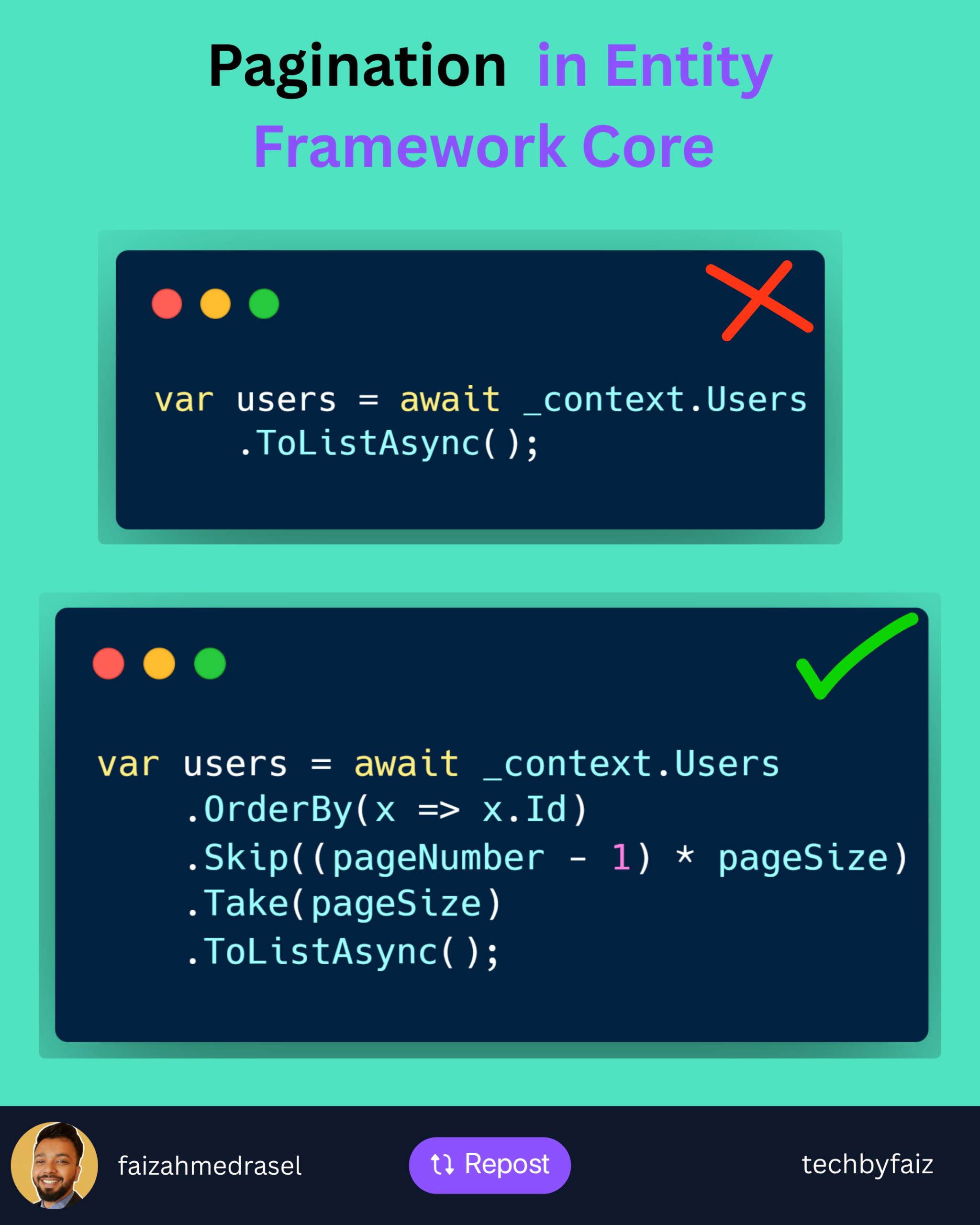
A common mistake:
var users = await _context.Users
    .ToListAsync();
It loads everything into memory.
Problems:
❌ Higher memory usage
❌ Slower response time
❌ Increased database load
❌ Poor user experience
Better Approach: Pagination with EF Core
var users = await _context.Users
    .OrderBy(x => x.Id)
    .Skip((pageNumber - 1) * pageSize)
    .Take(pageSize)
    .ToListAsync();
How it works:
Skip()
➡️ Ignores previous pages
Take()
➡️ Returns only the required number of records
Example:
PageNumber = 3
PageSize = 20
EF Core skips:
(3 - 1) × 20 = 40 records
Then returns:
Next 20 records
Important Pagination Practices
✅ Always use OrderBy()
Without ordering, database results are not guaranteed.
✅ Use projection when possible
Instead of:
.ToListAsync()
Prefer:
.Select(x => new UserDto
{
    Id = x.Id,
    Name = x.Name
})
.ToListAsync();
Only fetch the data you need.
✅ Return pagination metadata
Example:
{
  "pageNumber": 1,
  "pageSize": 20,
  "totalRecords": 500
}
For Large Tables
Skip() and Take() work well for most scenarios.
But for millions of records, consider:
Keyset Pagination (Seek Pagination)
It avoids the performance cost of skipping large numbers of rows.
💡 Rule of thumb:
Pagination is not just a UI feature.
It is a database performance strategy.
A scalable API should control how much data it retrieves and sends.
👇 What pagination approach do you prefer in your APIs?
Offset pagination (Skip/Take) or Keyset pagination?
♻️ If you found this helpful, feel free to repost and share it with your network.
👉 Follow Faiz Ahmed Rasel for more .NET tips, tutorials, and deep dives.
#DotNet #EntityFrameworkCore #CSharp #WebAPI #BackendEngineering
Leave a Reply