
Blog

  • Control Makes People Behave. Autonomy Makes People Engage.

    Control Makes People Behave. Autonomy Makes People Engage.

    A team can follow rules and still lack ownership.

    Why?

    Because compliance and commitment are not the same thing.

    Control can create short-term results:

    ✅ People follow instructions

    ✅ Tasks are completed on time

    ✅ Processes are maintained

    But excessive control can also create:

    ❌ Fear of making decisions

    ❌ Less creativity

    ❌ Waiting for approval instead of taking ownership

    ❌ A “just do what I was told” mindset

    Autonomy creates a different environment.

    When people have trust and freedom to make decisions:

    ✅ They think beyond their assigned tasks

    ✅ They take responsibility for outcomes

    ✅ They bring new ideas

    ✅ They feel connected to the team’s success

    For example:

    A manager says:

    “Complete this task exactly as I described.”

    The employee focuses on finishing the task.

    A better approach:

    “Here is the goal. Choose the best way to achieve it.”

    The employee starts thinking like an owner.

    Good leadership is not about controlling every action.

    It is about providing:

    • Clear expectations
    • The right direction
    • Necessary support
    • Freedom to execute

    The goal is not to create people who only follow instructions.

    The goal is to build people who can think, decide, and contribute.

    💡 Great teams are not built on control alone.

    They are built on trust with accountability.

    👇 What creates better teams in your experience?

    More control or more autonomy?

    ♻️ If you found this helpful, feel free to repost and share it with your network.

    👉 Follow Faiz Ahmed Rasel for more .NET tips, tutorials, and deep dives.
    #Leadership #TeamManagement #ProfessionalGrowth #SoftwareEngineering #CareerDevelopment

  • EF Core Pagination: The Right Way to Handle Large Data Sets

    EF Core Pagination: The Right Way to Handle Large Data Sets

    EF Core Pagination: The Right Way to Handle Large Data Sets

    Returning thousands of records from an API might work during development.

    But what happens when your table has millions of rows?

    This is where pagination becomes essential.


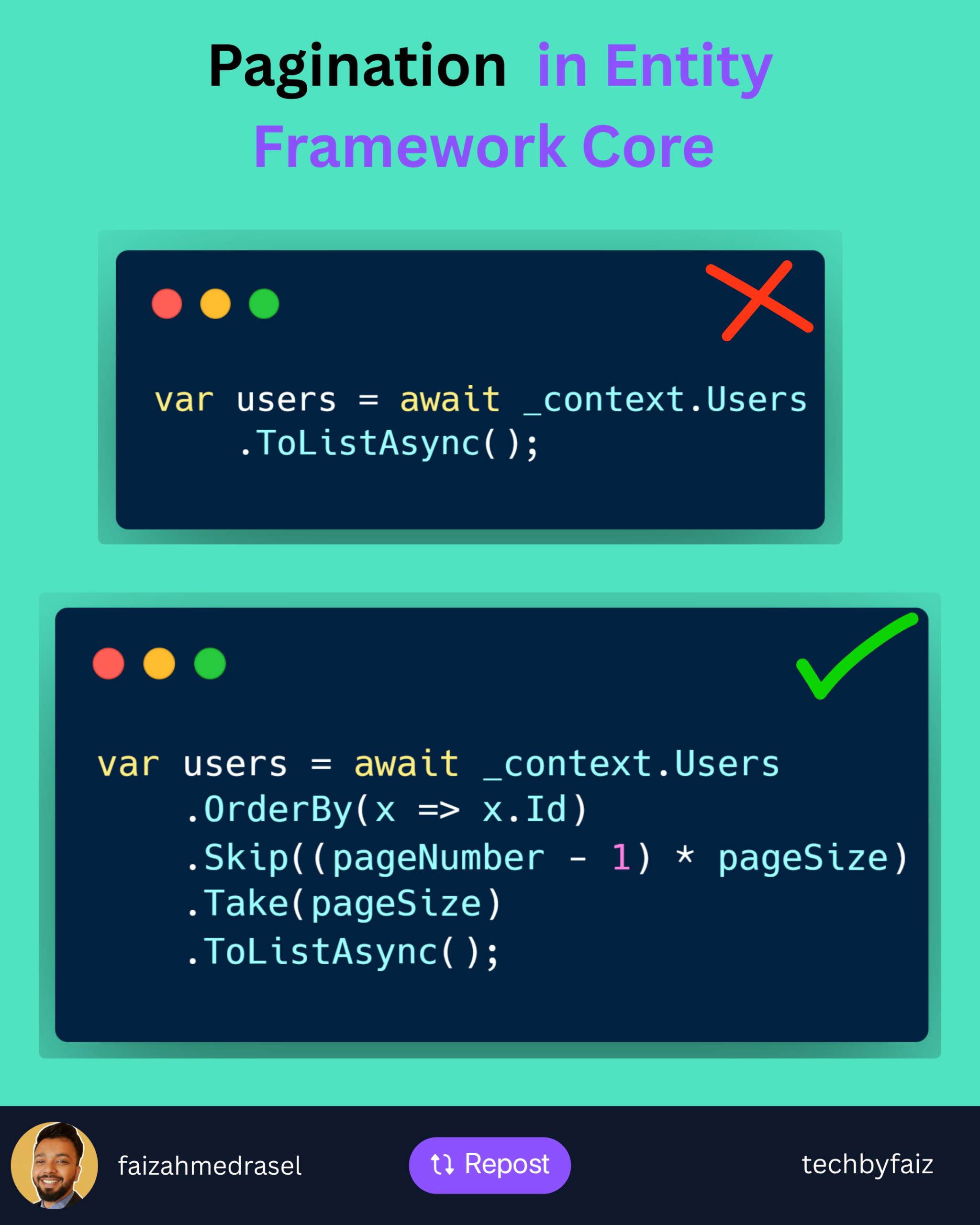
    A common mistake:

    var users = await _context.Users
        .ToListAsync();
    

    It loads everything into memory.

    Problems:

    ❌ Higher memory usage

    ❌ Slower response time

    ❌ Increased database load

    ❌ Poor user experience


    Better Approach: Pagination with EF Core

    var users = await _context.Users
        .OrderBy(x => x.Id)
        .Skip((pageNumber - 1) * pageSize)
        .Take(pageSize)
        .ToListAsync();
    

    How it works:

    Skip()
    ➡️ Ignores previous pages

    Take()
    ➡️ Returns only the required number of records

    Example:

    PageNumber = 3
    PageSize = 20
    

    EF Core skips:

    (3 - 1) × 20 = 40 records
    

    Then returns:

    Next 20 records
    

    Important Pagination Practices

    ✅ Always use OrderBy()

    Without ordering, database results are not guaranteed.

    ✅ Use projection when possible

    Instead of:

    .ToListAsync()
    

    Prefer:

    .Select(x => new UserDto
    {
        Id = x.Id,
        Name = x.Name
    })
    .ToListAsync();
    

    Only fetch the data you need.

    ✅ Return pagination metadata

    Example:

    {
      "pageNumber": 1,
      "pageSize": 20,
      "totalRecords": 500
    }
    

    For Large Tables

    Skip() and Take() work well for most scenarios.

    But for millions of records, consider:

    Keyset Pagination (Seek Pagination)

    It avoids the performance cost of skipping large numbers of rows.


    💡 Rule of thumb:

    Pagination is not just a UI feature.

    It is a database performance strategy.

    A scalable API should control how much data it retrieves and sends.


    👇 What pagination approach do you prefer in your APIs?

    Offset pagination (Skip/Take) or Keyset pagination?

    ♻️ If you found this helpful, feel free to repost and share it with your network.

    👉 Follow Faiz Ahmed Rasel for more .NET tips, tutorials, and deep dives.

    #DotNet #EntityFrameworkCore #CSharp #WebAPI #BackendEngineering

  • 𝙒𝙧𝙞𝙩𝙞𝙣𝙜 𝙈𝙖𝙞𝙣𝙩𝙖𝙞𝙣𝙖𝙗𝙡𝙚 𝘾𝙤𝙙𝙚

    𝙒𝙧𝙞𝙩𝙞𝙣𝙜 𝙈𝙖𝙞𝙣𝙩𝙖𝙞𝙣𝙖𝙗𝙡𝙚 𝘾𝙤𝙙𝙚

    You are not the last person to touch your code
    Someone else will read it.

    Maybe in a rush.
    Maybe under pressure.
    Write for humans first,
    machines second.

    ✅ Maintainable code checklist

    Clear naming
    Small, focused methods
    No hidden side-effects
    Proper documentation for complex logic

    💡 Truth
    Code readability saves time,
    reduces bugs, and scales teams.