Tag: BackendEngineering

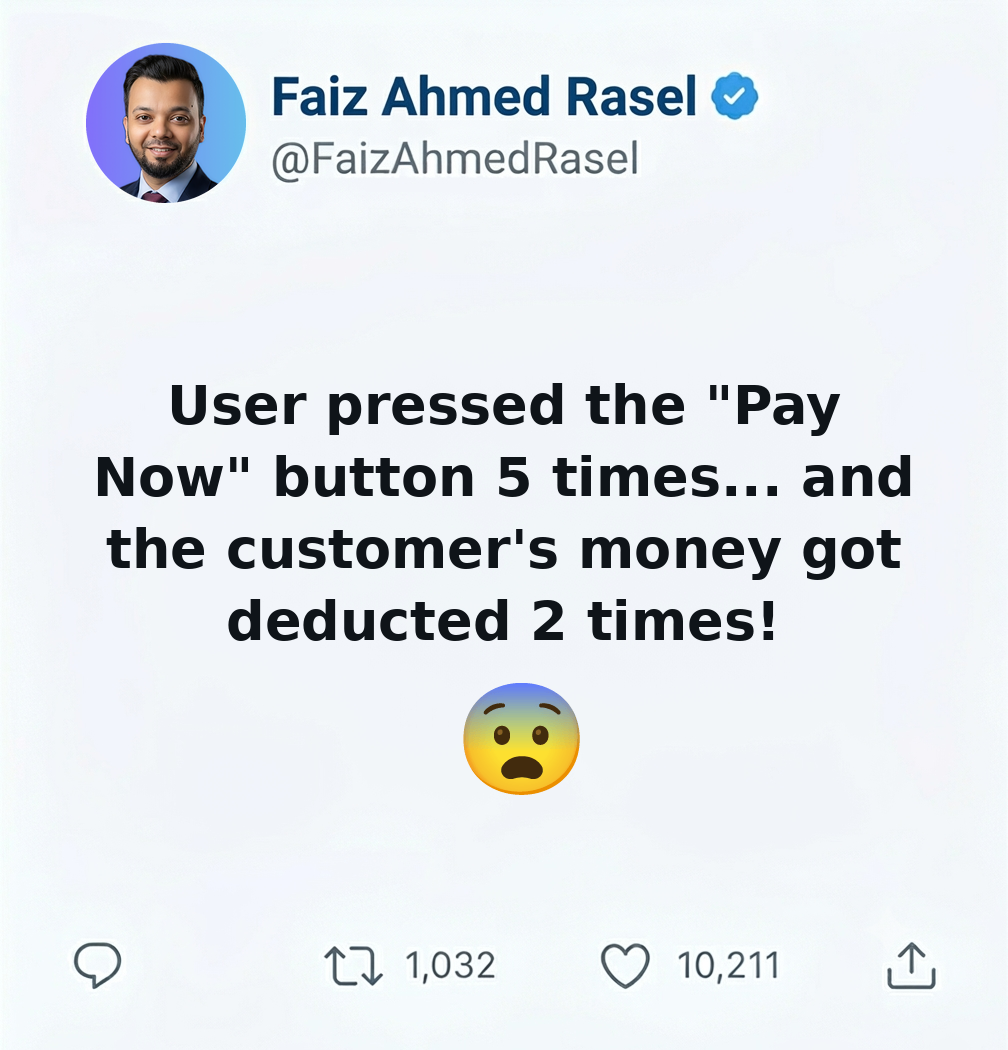
  • User বারবার Send Button চাপল, আর Customer-এর টাকা দুইবার কেটে গেল! এটা কীভাবে প্রতিরোধ করবেন?

    User বারবার Send Button চাপল, আর Customer-এর টাকা দুইবার কেটে গেল! এটা কীভাবে প্রতিরোধ করবেন?

    ধরুন, আপনি একটি Payment API তৈরি করেছেন।

    একজন User “Pay Now” বাটনে চাপ দিলেন।

    কিন্তু Server একটু ধীর (Slow)।

    User ভাবলেন,

    “হয়তো Click হয়নি!”

    তিনি আবার Button চাপলেন।

    তারপর আবার।

    কয়েক সেকেন্ড পরে…

    Customer Support থেকে ফোন—

    “একই Payment-এর জন্য Customer-এর টাকা দুইবার কেটে গেছে!”

    এখন প্রশ্ন হলো—

    সমস্যাটা User-এর, নাকি System-এর?

    আমার মতে, System-এর।

    কারণ একটি ভালো Payment System কখনোই একই Payment একাধিকবার Process করবে না।


    প্রথম প্রতিরক্ষা: Frontend

    Frontend থেকেই Duplicate Request কমানো যায়।

    যেমন—

    • Button Click করার পর Disable করে দেওয়া।
    • Loading Spinner দেখানো।
    • Request Complete না হওয়া পর্যন্ত দ্বিতীয় Click Block করা।

    এতে অনেক Duplicate Request শুরুতেই বন্ধ হয়ে যায়।

    কিন্তু…

    শুধু Frontend-এর উপর নির্ভর করা যাবে না।

    কারণ—

    • User Page Refresh করতে পারে।
    • Network Retry হতে পারে।
    • Mobile App একই Request আবার পাঠাতে পারে।
    • কোনো Bot Request পাঠাতে পারে।

    তাই আসল নিরাপত্তা Backend-এ থাকতে হবে।


    দ্বিতীয় প্রতিরক্ষা: Idempotency Key

    প্রতিটি Payment Request-এর সাথে একটি Unique Id পাঠানো হয়।

    যেমন—

    Idempotency-Key: 7f4c9d...
    

    যদি একই Key আবার আসে,

    Server নতুন Payment Process করবে না।

    আগের Result-ই Return করবে।


    তৃতীয় প্রতিরক্ষা: Database Constraint

    Database-এ এমনভাবে Design করুন,

    যাতে একই Transaction Reference দুইবার Insert-ই করা না যায়।

    যেমন—

    • PaymentReference
    • OrderId
    • TransactionId

    এসবের উপর Unique Constraint থাকতে পারে।

    Database অনেক সময় শেষ নিরাপত্তা দেয়।


    চতুর্থ প্রতিরক্ষা: Transaction

    Payment-এর গুরুত্বপূর্ণ Operation-গুলো Transaction-এর মধ্যে করুন।

    যাতে মাঝপথে কোনো সমস্যা হলে Partial Data Save না হয়।


    পঞ্চম প্রতিরক্ষা: Distributed Lock (যেখানে প্রয়োজন)

    যদি Multiple Server একই Payment Process করতে পারে,

    তাহলে Redis Distributed Lock-এর মতো সমাধান ব্যবহার করা যেতে পারে।

    এতে একই সময়ে একটি Payment শুধুমাত্র একটি Server Process করবে।


    সবচেয়ে গুরুত্বপূর্ণ শিক্ষা

    একজন User একই Request একাধিকবার পাঠাতে পারেন।

    Network একই Request Retry করতে পারে।

    Gateway একই Callback আবার পাঠাতে পারে।

    এসবই স্বাভাবিক।

    অস্বাভাবিক হলো—

    System সেই Request-গুলোকে নতুন Payment হিসেবে ধরে আবার টাকা কেটে ফেলছে।

    একটি ভালো Payment System-এর লক্ষ্য হওয়া উচিত—

    “One business operation = One successful payment.”

    যতবার Request আসুক না কেন।
  • EF Core Pagination: The Right Way to Handle Large Data Sets

    EF Core Pagination: The Right Way to Handle Large Data Sets

    EF Core Pagination: The Right Way to Handle Large Data Sets

    Returning thousands of records from an API might work during development.

    But what happens when your table has millions of rows?

    This is where pagination becomes essential.


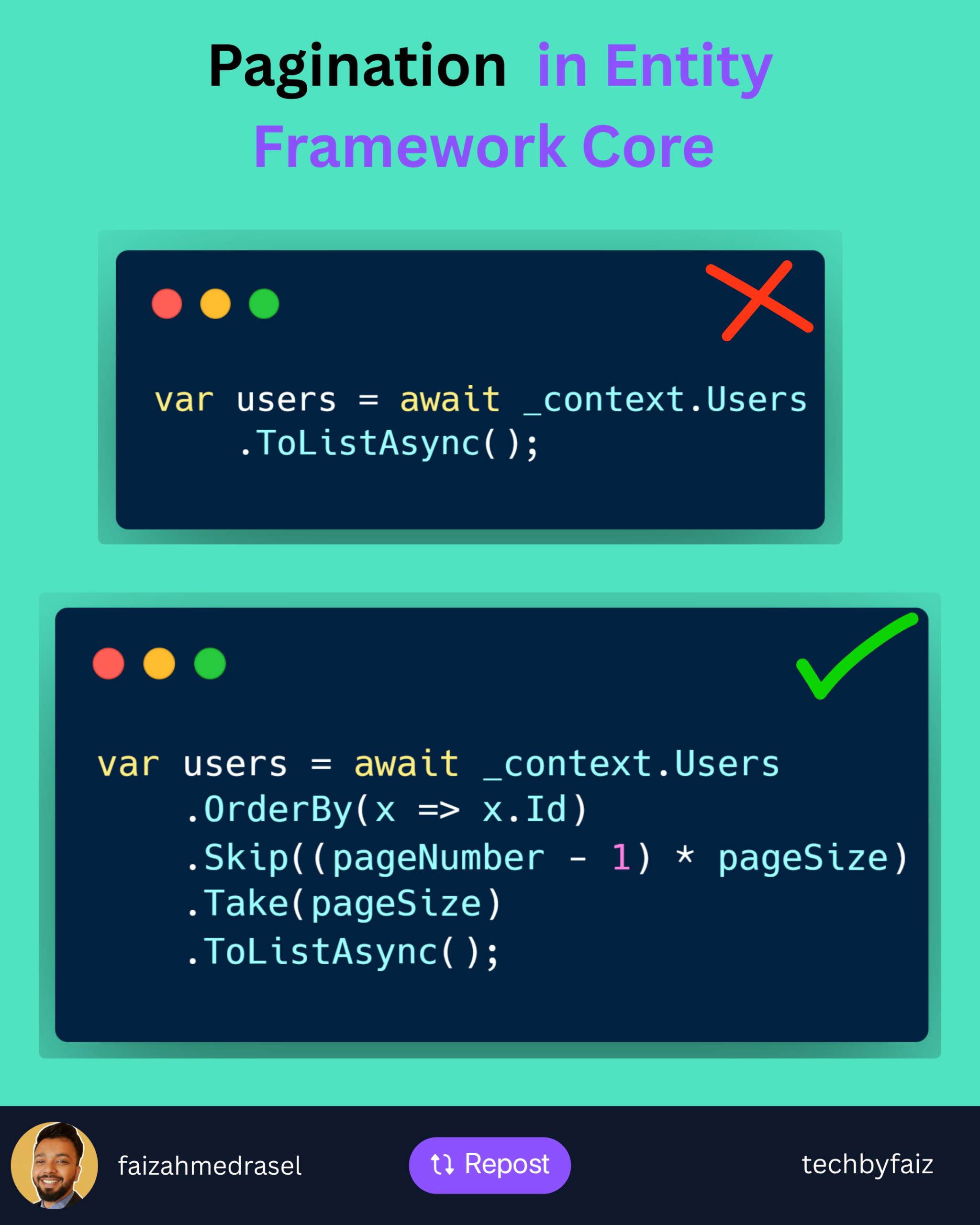
    A common mistake:

    var users = await _context.Users
        .ToListAsync();
    

    It loads everything into memory.

    Problems:

    ❌ Higher memory usage

    ❌ Slower response time

    ❌ Increased database load

    ❌ Poor user experience


    Better Approach: Pagination with EF Core

    var users = await _context.Users
        .OrderBy(x => x.Id)
        .Skip((pageNumber - 1) * pageSize)
        .Take(pageSize)
        .ToListAsync();
    

    How it works:

    Skip()
    ➡️ Ignores previous pages

    Take()
    ➡️ Returns only the required number of records

    Example:

    PageNumber = 3
    PageSize = 20
    

    EF Core skips:

    (3 - 1) × 20 = 40 records
    

    Then returns:

    Next 20 records
    

    Important Pagination Practices

    ✅ Always use OrderBy()

    Without ordering, database results are not guaranteed.

    ✅ Use projection when possible

    Instead of:

    .ToListAsync()
    

    Prefer:

    .Select(x => new UserDto
    {
        Id = x.Id,
        Name = x.Name
    })
    .ToListAsync();
    

    Only fetch the data you need.

    ✅ Return pagination metadata

    Example:

    {
      "pageNumber": 1,
      "pageSize": 20,
      "totalRecords": 500
    }
    

    For Large Tables

    Skip() and Take() work well for most scenarios.

    But for millions of records, consider:

    Keyset Pagination (Seek Pagination)

    It avoids the performance cost of skipping large numbers of rows.


    💡 Rule of thumb:

    Pagination is not just a UI feature.

    It is a database performance strategy.

    A scalable API should control how much data it retrieves and sends.


    👇 What pagination approach do you prefer in your APIs?

    Offset pagination (Skip/Take) or Keyset pagination?

    ♻️ If you found this helpful, feel free to repost and share it with your network.

    👉 Follow Faiz Ahmed Rasel for more .NET tips, tutorials, and deep dives.

    #DotNet #EntityFrameworkCore #CSharp #WebAPI #BackendEngineering