As .NET developers, we work with strings every day. Whether we’re building API responses, generating reports, or processing text, choosing the right type can significantly impact performance.
One common question is:
Should I use string or StringBuilder?
The answer depends on how you’re using the text.
Understanding string
In C#, a string is immutable.
This means that once a string is created, its value cannot be changed.
Whenever you modify a string, .NET creates a new string object in memory.
Example:
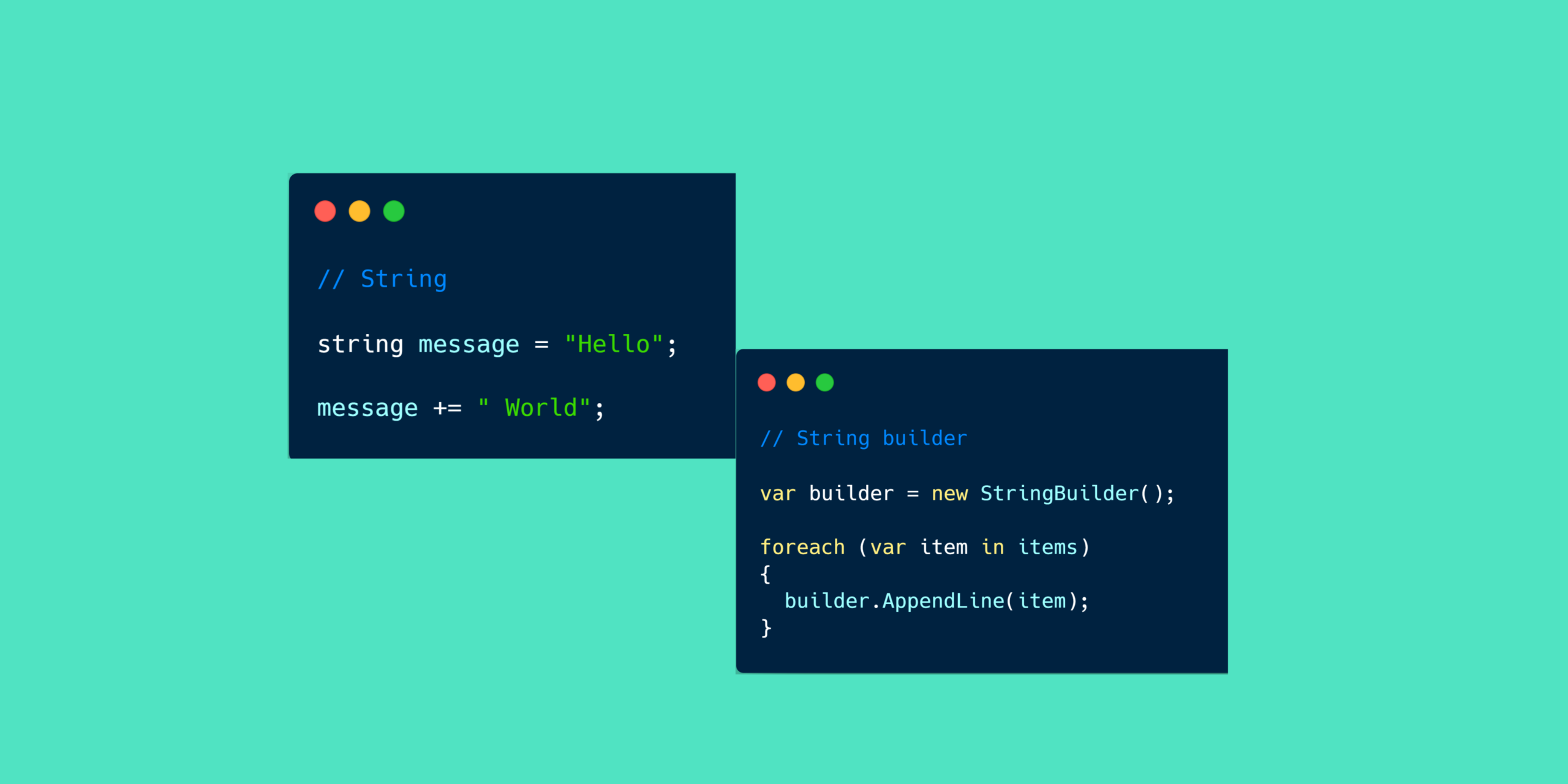
string message = "Hello";
message += " World";
message += "!";
Although it looks like the original string is being modified, the runtime actually creates new string instances behind the scenes.
For a few operations, this isn’t a problem. However, repeated modifications can lead to unnecessary memory allocations and reduced performance.
Understanding StringBuilder
StringBuilder is designed for scenarios where a string is modified multiple times.
Instead of creating a new object for every change, it updates an internal buffer, reducing memory allocations.
Example:
var builder = new StringBuilder();

builder.Append("Hello");
builder.Append(" World");
builder.Append("!");

string result = builder.ToString();
This approach is much more efficient when constructing large strings or performing repeated concatenations.
Performance Comparison
Imagine you’re generating a CSV file with thousands of rows.
Using string:
string csv = "";

foreach (var item in items)
{
    csv += item + Environment.NewLine;
}
Every iteration creates a new string object.
Using StringBuilder:
var builder = new StringBuilder();

foreach (var item in items)
{
    builder.AppendLine(item);
}

string csv = builder.ToString();
Only the internal buffer grows as needed, making it much more memory-efficient.
When Should You Use string?
Use string when:
- The value rarely changes.
- You’re working with short text.
- Only a few concatenations are needed.
- Readability is more important than optimization.
Examples:
- User names
- Email addresses
- Status messages
- Configuration values
When Should You Use StringBuilder?
Choose StringBuilder when:
- Building large strings.
- Concatenating inside loops.
- Generating reports or CSV files.
- Creating HTML or JSON manually.
- Processing logs or large text blocks.
Common Mistake
Many developers use StringBuilder everywhere, assuming it is always faster.
That’s not true.
For small numbers of concatenations, string is often simpler and may even be just as efficient because the compiler and .NET runtime apply several optimizations.
The key is to optimize only where it matters.
Best Practices
✔ Use string for simple and infrequent concatenations.
✔ Use StringBuilder for repeated modifications or large text generation.
✔ Measure performance before optimizing.
✔ Prioritize clean, readable code unless profiling shows a bottleneck.
Final Thoughts
Both string and StringBuilder have their place in modern C# development.
Choosing the right one isn’t about following a rule—it’s about understanding how your application works and selecting the tool that best fits the scenario.
As developers, writing efficient code starts with understanding the fundamentals.
Leave a Reply